
Spring Digital Declutter: Organize Your Photos, Files, and Subscriptions for a Fresh Start

Why start a digital declutter in spring?
Spring signals renewal. The longer daylight hours reset our circadian rhythms, and that mental shift makes us more motivated to tackle projects that feel overwhelming. A tidy digital environment mirrors a tidy physical one—reducing decision fatigue and giving you a clear canvas for new travel plans, work projects, or creative pursuits.
How do I sort my photos without losing memories?
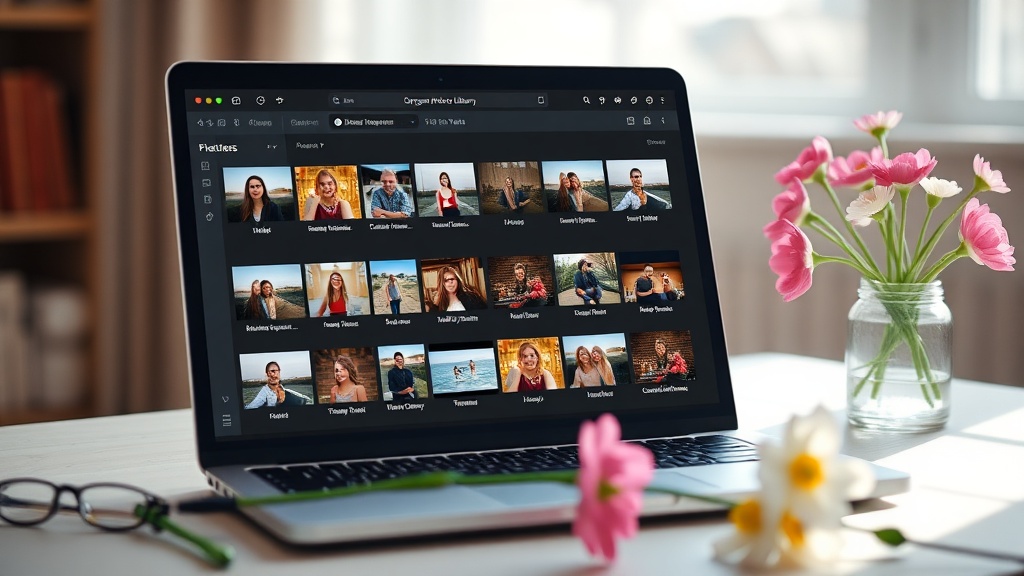
Photos are the most sentimental digital clutter. Follow these steps:
- Gather everything in one place. Sync all devices to a single folder—Google Photos, iCloud, or an external hard drive.
- Group by year and event. Create top‑level folders like
2024 – Spring Trip – Lisbon. Use the Google Photos bulk‑edit tools to add date tags automatically. - Delete duplicates. Run a duplicate‑finder such as CCleaner Duplicate Finder or the free dupeGuru app.
- Back up the final set. Store the curated library on two locations—cloud (Google Drive, Dropbox) and a physical drive.
- Tag for future retrieval. Add simple tags like
#familyor#natureso you can search later without scrolling forever.
What’s the fastest way to clean up duplicate files?
Duplicate files waste storage and cause version confusion. Here’s a quick workflow:
- Choose a tool. For Windows, CCleaner does the job; for macOS, try dupeGuru.
- Scan by folder size. Start with large directories like
DownloadsandDocuments. Most duplicates hide in these catch‑all folders. - Review before deleting. Automated tools can mis‑identify similar‑named files. Keep a copy of any file you’re unsure about.
- Automate future checks. Set a monthly reminder to run the duplicate scan—keep storage lean all year.
How can I audit my subscriptions without missing a beat?
Subscription creep is a silent budget leak. Follow this audit:
- Export a list. Many platforms (Apple, Google Play, Amazon) let you download purchase histories. Combine them into a spreadsheet.
- Categorize by type and cost. Mark
Streaming,Software,Magazine, etc., and sum the monthly totals. - Identify unused services. If you haven’t logged in for >30 days, flag it for cancellation.
- Negotiate or downgrade. Reach out to providers—many offer loyalty discounts if you ask.
- Set a renewal reminder. Add the next billing date to your calendar. When the reminder hits, re‑evaluate the value.
Pro tip: Use a free tracker like Truebill or Trim to automate the process.
What tools keep my digital life tidy year‑round?
Spring is a great launchpad, but maintenance matters. Consider these habit‑forming tools:
- Cloud file‑organizer. Rclone syncs folders and can enforce naming conventions.
- Inbox zero. Use the Gmail "Snooze" and "Categories" features to keep your inbox under 50 unread messages.
- Automated backups. Set a weekly backup to an external drive using Backblaze or iDrive.
- Monthly review. Schedule a 30‑minute “digital tidy‑up” on the first Saturday of each month. Use the same checklist you built today.
What’s the final takeaway?
Digital declutter isn’t a one‑time spring fling—it’s a habit that pays off in storage, speed, and peace of mind. By sorting photos, eliminating duplicate files, and auditing subscriptions now, you set a foundation for a smoother, more productive year.
Related Reading
- Spring Digital Detox: Declutter Apps, Photos & Subscriptions – A quick look at app‑level cleaning.
- Eco‑Conscious Spring Cleaning 2026 – How eco‑friendly habits translate to digital spaces.
- Daylight Saving Adjustment: Optimizing Your Sleep Routine for Spring Productivity – Pair your digital declutter with better sleep for maximum focus.
Ready to start? Grab a cup of coffee, open your file explorer, and follow the steps above. Your future self (and your device) will thank you.